










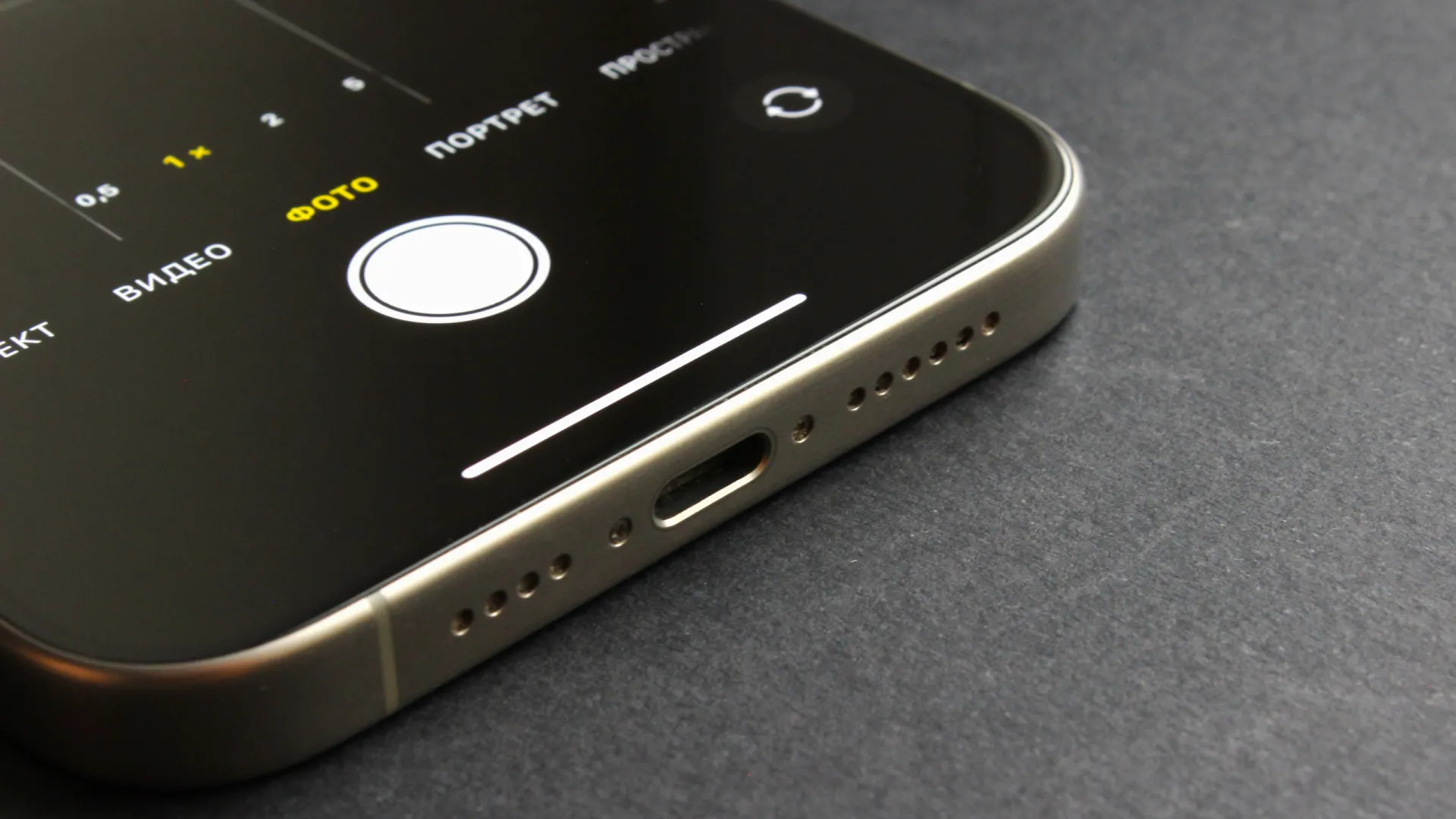
The Hidden Dangers of Smartphone Maintenance: A Closer Look at Dust and Debris Accumulation
In an era dominated by smartphones, it’s no secret that these devices play a vital role in our daily lives. From communication and entertainment to navigation and education, smartphones have become an extension of ourselves. However, a crucial aspect of smartphone maintenance often goes overlooked – cleaning. The accumulation of dust, debris, and other particles within the device’s tiny crevices can significantly impact sound quality, leading to an overall subpar user experience. In this article, we’ll delve into the world of smartphone maintenance, exploring the reasons behind this issue and providing practical tips on how to clean your device safely and effectively.
The Culprits Behind Dust Accumulation
Smartphones, particularly those with small openings and gaps, are prone to attracting dust and debris. These particles can easily enter the device through various means, such as:
1. **Airborne contaminants**: Dust, pollen, and other airborne particles can seep into the device through small openings, especially when the device is exposed to strong winds or dusty environments.
2. **Physical contact**: When we handle our smartphones, we inevitably transfer skin oils, dirt, and other substances to the device’s surface, which can then be drawn into the openings.
3. **Environmental factors**: Exposure to humid or polluted environments can cause moisture and other substances to accumulate within the device.
The Impact of Dust Accumulation on Sound Quality
Dust and debris accumulation within the smartphone can significantly affect sound quality, leading to:
1. **Muffled audio**: Dust and debris can block sound waves, causing audio to sound muffled or distorted.
2. **Static noise**: Particle accumulation can also lead to static noise or interference, further compromising sound quality.
3. **Reduced loudspeaker performance**: Excessive dust and debris can even cause the loudspeaker to malfunction, resulting in reduced volume or distorted sound.
Cleaning Your Smartphone Safely and Effectively
Fortunately, cleaning your smartphone is a relatively simple process that can be done at home with the right tools and precautions. Here are some tips to get you started:
1. **Use a soft-bristled brush**: A soft-bristled brush, specifically designed for cleaning electronics, can help dislodge dust and debris from hard-to-reach areas.
2. **Compressed air**: A can of compressed air can be used to blow out dust and debris from openings and crevices.
3. **Microfiber cloth**: A microfiber cloth can be used to gently wipe down the device’s exterior and remove any remaining dust or debris.
4. **Avoid liquids**: Never use liquids, such as water or cleaning solutions, to clean your smartphone, as this can damage the device’s internal components.
Conclusion
In conclusion, dust and debris accumulation within smartphones can have a significant impact on sound quality, leading to a subpar user experience. By understanding the causes of this issue and taking the necessary precautions, we can ensure our devices remain in optimal condition. By following the simple tips outlined above, you can safely and effectively clean your smartphone, extending its lifespan and maintaining its performance. Whether you’re a tech enthusiast or a casual user, regular cleaning is essential to ensure your smartphone continues to deliver exceptional sound quality and overall performance.
Source: Notícias ao Minuto Brasil – Tech